Mostbet Link, File and Account Security Checks
Read the registered domain, inspect files and payment requests, protect passwords and one-time codes, and preserve evidence before responding.
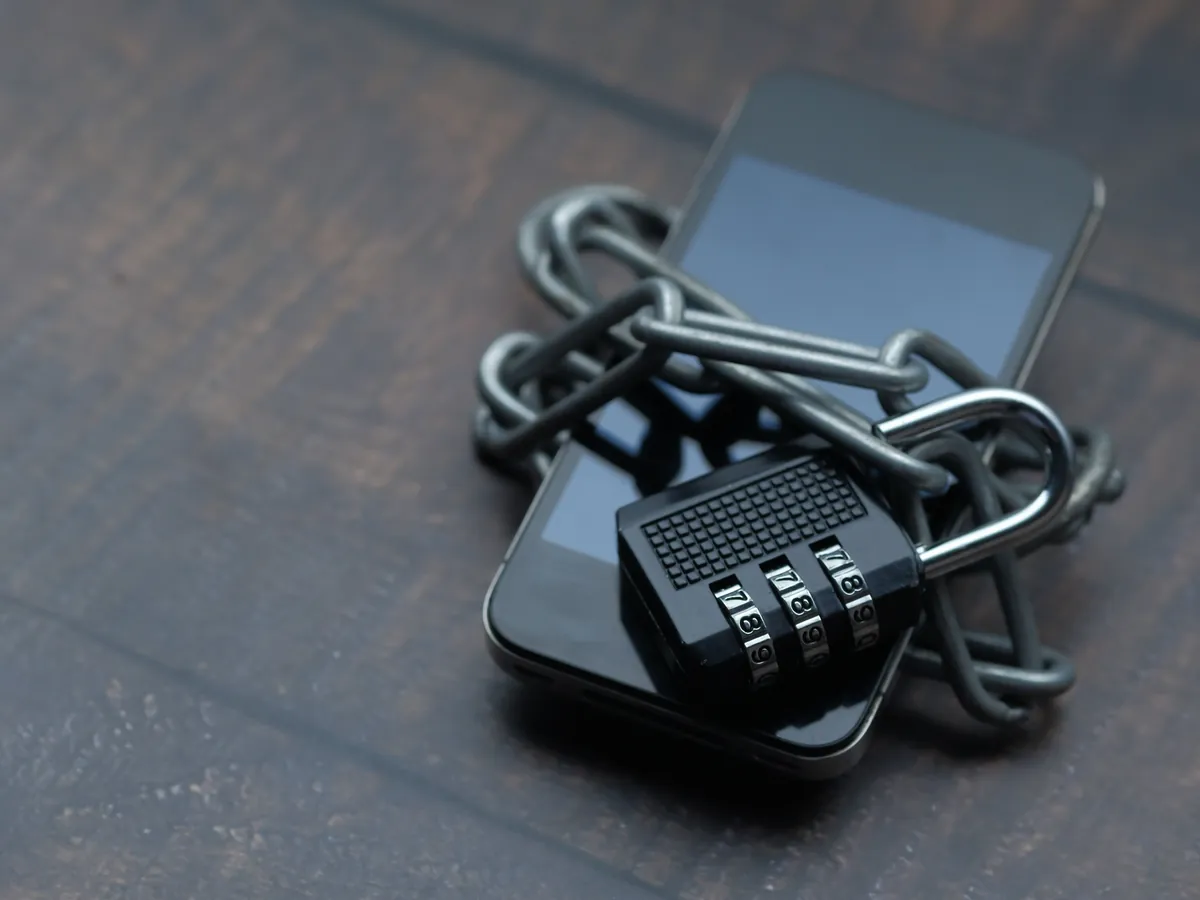
Find the registered domain before trusting the page
Read from the first slash back to the registered domain. A familiar word in the subdomain or path does not control example.com.
- Check spelling, added words, hyphens and the top-level domain.
- Do not treat HTTPS as proof of the operator identity.
- Avoid shortened links when the destination cannot be inspected first.
Link, message and payment red flags
Domain confusion
A brand word appears in a subdomain while another registered domain owns the page.
Urgent language
A message pressures immediate action before the address, terms or request can be checked.
Personal payment
Money is requested to a person’s account or a new address not shown in the verified service.
Remote control
A caller or message asks for screen sharing, device-control software or accessibility permission.
Passwords and one-time codes stay private
Password
Use a unique password and a manager that checks the full domain. Do not reuse banking or email passwords.
One-time code
Approve only a request you initiated. A support agent does not need the code read aloud or forwarded.

Treat an unexpected file as a new decision
Stop when an APK, profile, certificate, browser extension or remote-access tool arrives through chat, a shortened link or an unrelated domain. A familiar icon does not validate the publisher.
Record the file name, claimed source and time without opening it on a device used for banking or account recovery. The App Safety page covers publisher, permission and update checks.
Public and shared devices need stricter limits
- Do not save passwords or recovery details.
- Sign out and close every session.
- Remove downloads and clear only relevant site data.
- Do not approve device trust on a computer you do not control.
Preserve evidence, then use a known channel
- Stop interacting with the suspicious page, file or caller.
- Record the full URL, time, message and non-sensitive screenshot.
- Use a separate trusted device to change an exposed password.
- Contact a bank through a known official channel if money may be involved.
- Use the appropriate local cybercrime or authority route when necessary.
Use Login Help for access diagnostics and Support Information to organise a non-sensitive issue.
HTTPS protects a connection, not the identity claim
A valid HTTPS connection can encrypt traffic to a deceptive site. It does not prove that the organisation named in a page heading owns the registered domain. Read the address from right to left, identify the registered domain and check spelling before considering words in a subdomain or path.
After entering a password on a suspicious page
Use a separate trusted device if possible. Change the affected password through a verified route, replace any reused password, review active sessions and keep the suspicious URL and time. Do not continue replying to the sender.
After sharing payment or identity data
Contact the relevant bank or provider through a number or app you already trust. Ask what protective action is available and retain a case reference. For suspected cybercrime in India, use the current official cybercrime reporting route rather than a link supplied by the suspected sender.
Evidence worth preserving
Keep the full URL, date and time, sender identity, payment reference, non-sensitive error text and a description of what was requested. Redact passwords, one-time codes, complete card numbers and identity-document numbers before sharing an issue summary. The support preparation page provides a safe structure for that record.
Suspected Cyber Fraud in India
- Stop further payment or communication.
- Contact the relevant bank or payment provider through a known official channel.
- Call the National Cyber Crime Helpline at 1930.
- Use the National Cyber Crime Reporting Portal.
- Preserve the full URL, transaction reference, amount, date, time and non-sensitive screenshots.
Report a suspicious website or account
The Government of India portal lists reporting routes for a suspicious website URL, phone number, WhatsApp number, Telegram handle, email address, SMS header or social-media URL. Use the official portal directly; do not send the evidence to mostbet.city.
National Cyber Crime Reporting Portal — Government of India
| Field | Record |
|---|---|
| Incident date and time | Local date, time and time zone |
| Transaction | Bank, wallet or merchant category; amount; transaction or UTR reference |
| Source | Full suspicious URL and sender identifier |
| Request | What was requested without including a password, OTP or full credential |
| Action | Bank, provider or authority already contacted |
Sources and Review Notes
Report and Check Suspect
Publisher: National Cyber Crime Reporting Portal, Government of India
Checked: 13 July 2026
Supports the 1930 route and the public suspect-reporting categories shown above. It does not establish that any specific domain is fraudulent.
Open the official portalGoogle Play Protect
Publisher: Google Android Help
Checked: 13 July 2026
Supports general harmful-app scanning and source caution. It does not verify a Mostbet app or publisher.
Read Google Play Protect guidance